
Click to download now, finish the installation quickly, and directly unlock the all-round experience
Screenshots
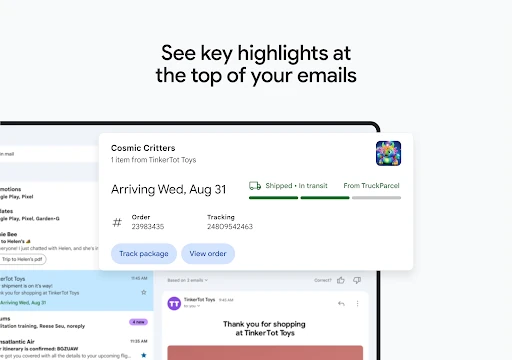


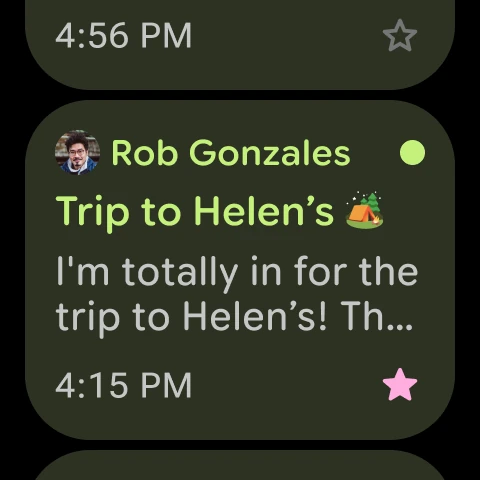


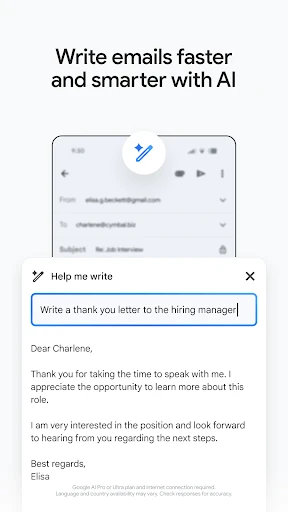
Click to download now, finish the installation quickly, and directly unlock the all-round experience
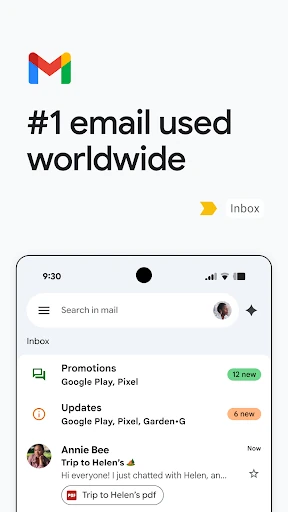
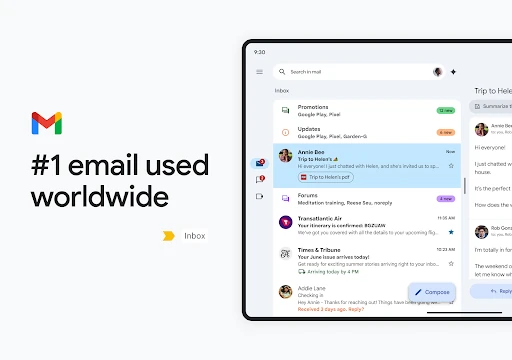
Gmail is Google’s email app for reading, sending and searching messages on an Android phone. It suits people who use email for everyday conversations, appointments, receipts or work, and want a way to keep up with several messages without treating each one as a separate task. Google LLC makes the app; its 4.1 rating comes from about 14.2 million reviews, and it has more than 10 billion installs.
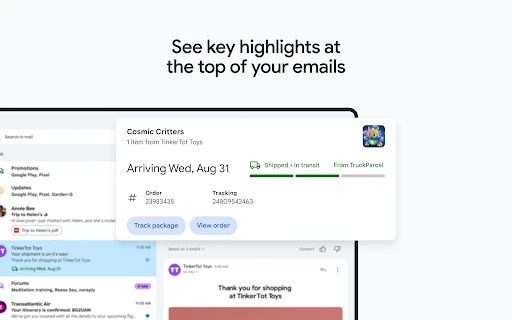
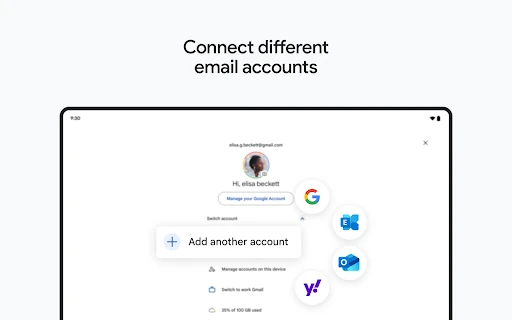
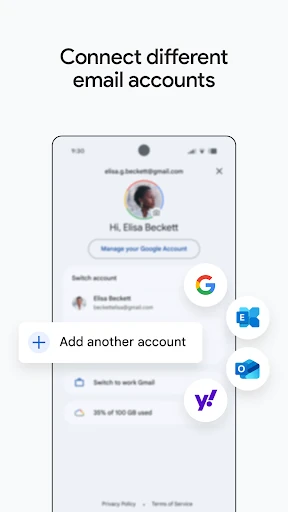
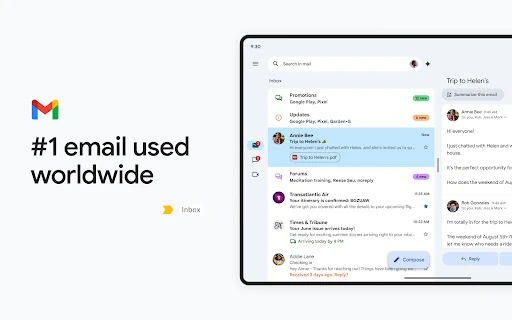
Email is a shared system: people can write from different services, and their messages still reach an address you can open in Gmail. Think of the inbox as a desk where new letters arrive. Gmail groups replies into conversations, much like keeping a letter and its answers in the same folder. That makes it easier to follow a back-and-forth discussion without hunting through a long list of separate messages.
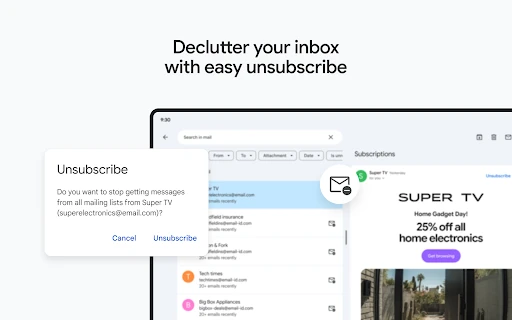
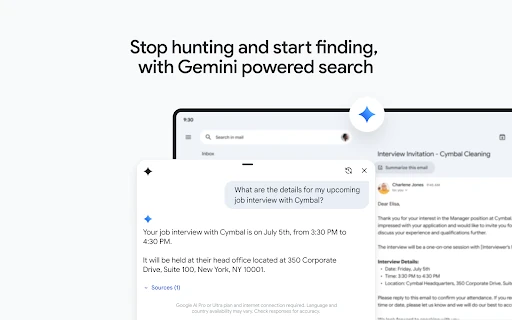
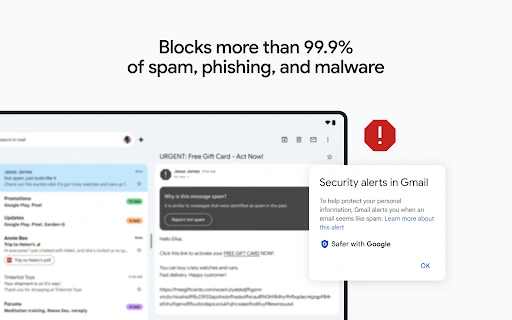
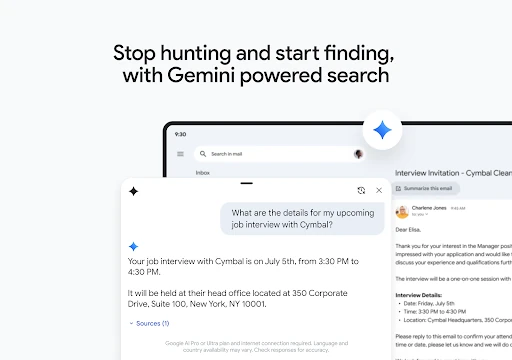
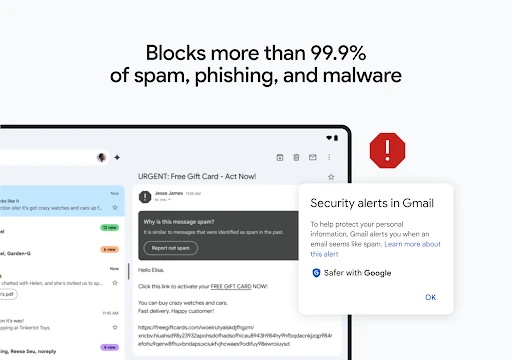
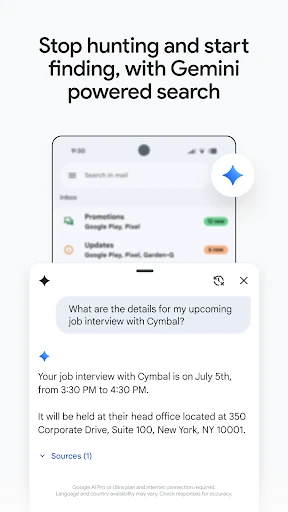
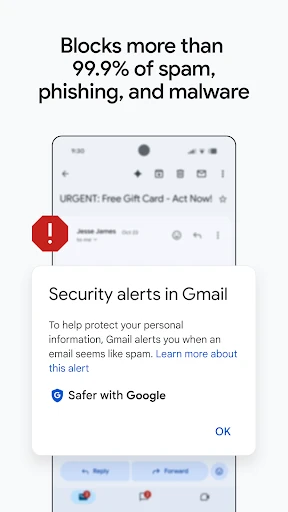
Instead of filing every message perfectly, you can search for a person, subject or phrase when you need something again. It is like asking a librarian to find a note by the words written on it, rather than trying to remember which drawer you used. This is especially useful for old confirmations or details buried in a busy inbox. Gmail also filters suspected spam, acting like a mailroom that diverts obvious junk before it reaches your desk.
Filtering and search reduce the work of managing mail, but they do not make every decision for you. A wanted message can be sorted incorrectly, and a message that looks ordinary can still be misleading. Check the sender and be cautious with unexpected links or requests for personal details. Knowing Gmail’s basic trick—a shared mailbox with sorting and search—helps you use it efficiently while keeping your own judgment in the loop.